AT A GLANCE
The product in context.
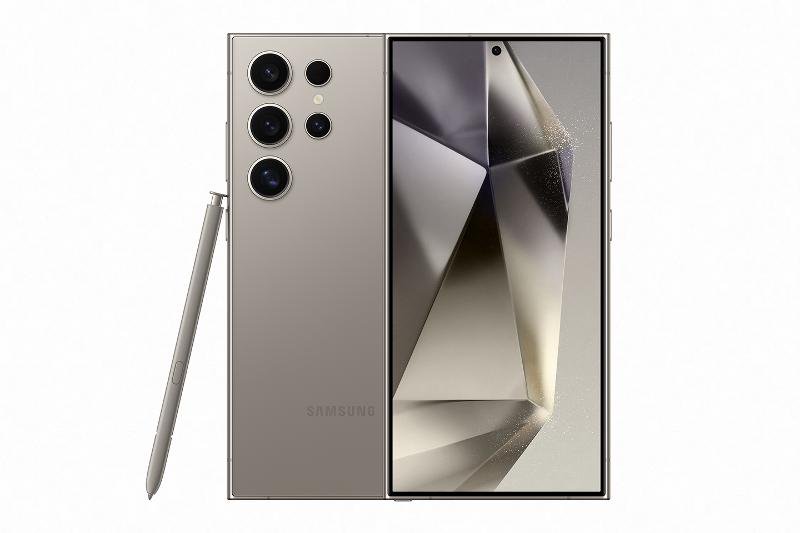
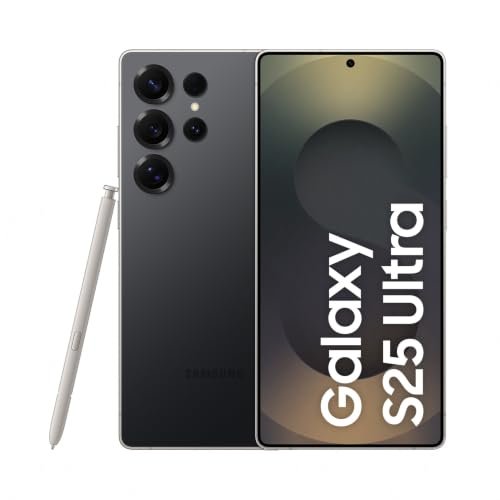
The regular Galaxy S26 offers a smaller-screen alternative to the Ultra phones in this collection. Its appeal is a manageable everyday format for navigation, photographs and tickets, with a 256GB storage option that still benefits from a backup routine.
This is a researched editorial overview based on the linked manufacturer information. This product is not in the owner’s collection and has not been tested by GadgetsBag. Pros, cons and the assessment are provisional, not firsthand findings.
A CLOSER LOOK
Photo gallery.
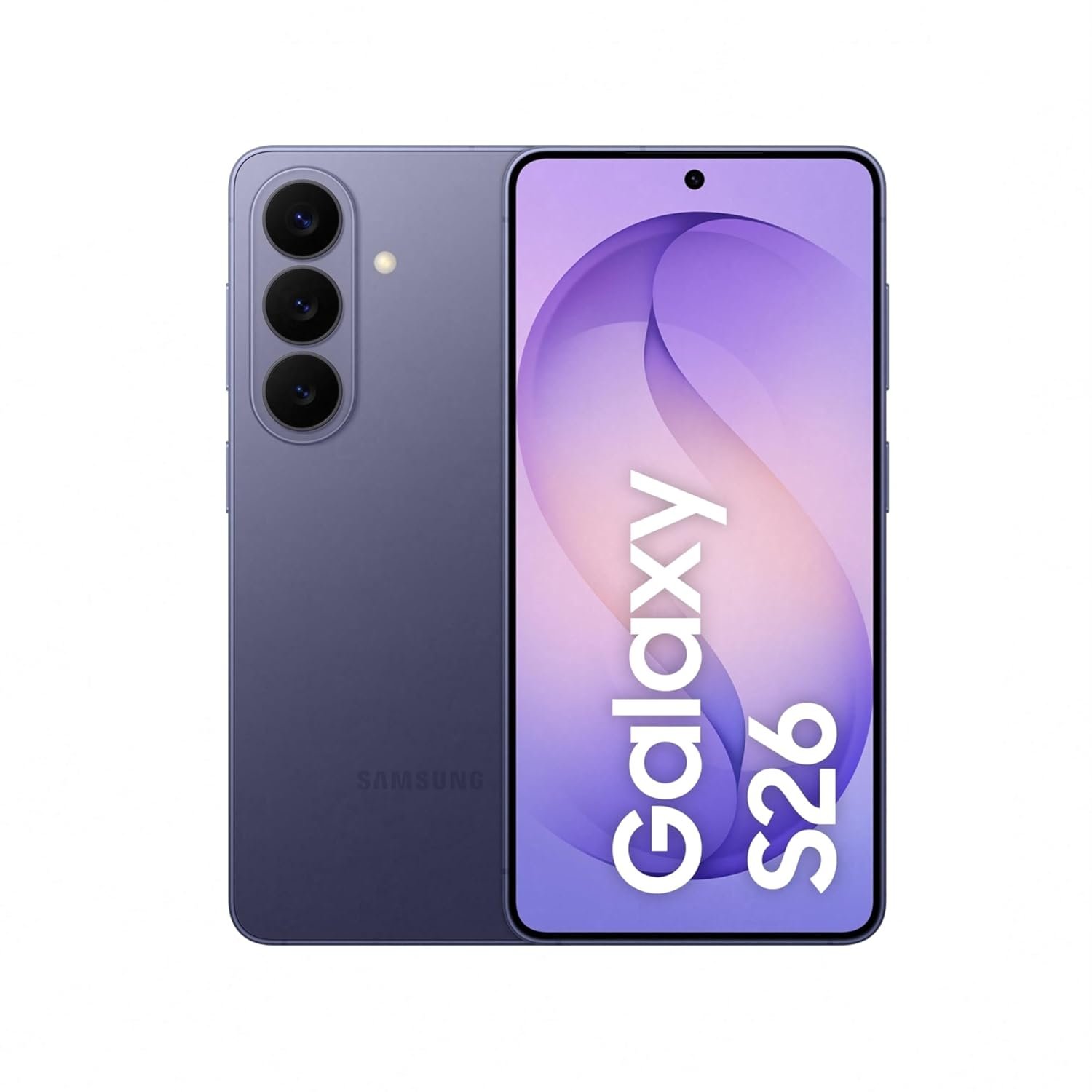
Image 1 of 4
Choose a thumbnail, then tap the large photo to enlarge it. Use the viewer arrows or swipe to explore. Product imagery is credited to its source.
THE PUBLISHED DETAILS
Product specifications.
- Variant
- Cobalt Violet, 12GB RAM, 256GB
- Display
- 6.3-inch, according to Samsung listing artwork
- Main camera
- 50MP with ProVisual Engine
- Battery
- 4,300mAh typical, manufacturer claim
- Software
- Android 16 with One UI 8.5
- Construction
- Armor Aluminum and Gorilla Glass Victus 2, according to Samsung
Source: Product specifications and feature notes ↗. Manufacturer or listing claims are not our measurements. Check the exact regional variant.
THE PRACTICAL PERSPECTIVE
Overall review.
Choose the size around your day
A smaller phone can be easier to pocket during walks and transfers, while the reduced screen area gives less room for maps and editing. Compare the body size in person, especially if you are used to an Ultra model.
Plan charging and photo storage
Battery capacity alone does not establish all-day endurance. Navigation, mobile data and video capture change consumption, so carry charging reserve for a long sightseeing day. Back up photographs before storage fills, and check the supplied accessories before ordering a charger.
Check AI features before relying on them
Photo Assist and Creative Studio are advertised software features. Their availability can depend on account, region, network and software version. Keep offline copies of tickets and essential route information regardless of connected features.
Sources and related reading
WEIGH THE TRADE-OFFS
Pros & cons.
Based on published features and editorial assessment; not test results.
Pros
- Smaller-screen alternative to the Ultra range
- 256GB storage for a substantial working photo collection
- Camera and editing tools in one everyday device
Cons
- Less display space than larger phones
- Actual battery endurance is untested here
- Connected features may require account and network access
Who is it for?
Worth considering for
- Travellers who prefer a smaller everyday phone
Think about first
- Comfort at the 6.3-inch size
- Storage needs for video
- Included charger and cable
THE TAKEAWAY
Our assessment.
A sensible Galaxy shortlist option when pocketability matters more than the largest screen. This is a specification-based overview, with no hands-on performance score.
Provisional assessment · Hands-on testing pendingWhat we still need to test.
These checks will help turn the initial assessment into a hands-on review.
- Battery use with maps and photography
- Camera results in mixed lighting
- Comfort during extended navigation
Read our editorial policy.